Resolving the relation of drawings and models
Drawings belong in models. It’s where they’ve always been.
V1.0 Drawings in Mental Models
It’s just the way it’s always been. And for good reason. From the first time anyone scratched out a drawing in sand, in stone, on papyrus, they instantiated that graphic in-situ where it really is, in the mental model in formation in their minds. An interplay was underway.
V2.0 Drawing-Model Fusion, Digital (2012)
With the popularization of digital modeling by the 1990s, technical drawing continued as before in it’s usual role, while instantiation into the model continued as it always had, unaltered from V1.0, as mental exercise only. Until I invented the automated fusion of drawings in digital models in 2012.
In 2007 an idea occurred to me after building well detailed BIMs since 1998 and automating every drawing, in every construction drawings set, from the models.
The idea:
that the model-automated drawings in the construction drawings set, should be visible where they actually are in the 3D model, automatically:
a fusion
This idea became commercial software because I got lucky. The owner/developer of a software corporation, Bentley Systems, agreed with me when I proposed this idea. He hired me to lead the development team (with him on it) to build that fusion into their software, MicroStation. That was completed and released in 2012.
You can see the outcome in the videos below.
Since then 9 different software companies have built their version of the same:
- Bentley MicroStation (2012)
- Graphisoft (in BIMx Docs, mobile) (2013)
- Dalux
- Revizto
- working together: Morpholio and
- Shapr3D
- Solidworks (since 2015)
- Tekla
- Autodesk Docs (2022)
It might interest some to see the full set of construction drawings the way I did them back then (1998 – 2008). All the drawing graphics that represent physical reality are automated from the digital model, along with all the graphic stylization, and most of the labels and symbols likewise automated from the model. Notations were added manually. You can see the model here (with the drawing fusion tech we added later at Bentley in 2012, retrofit back into the old project model from 2008):
Here are the automated drawings, from 2008. Click the links to view full size PDFs of each sheet:
Exterior Shell work, drawings:
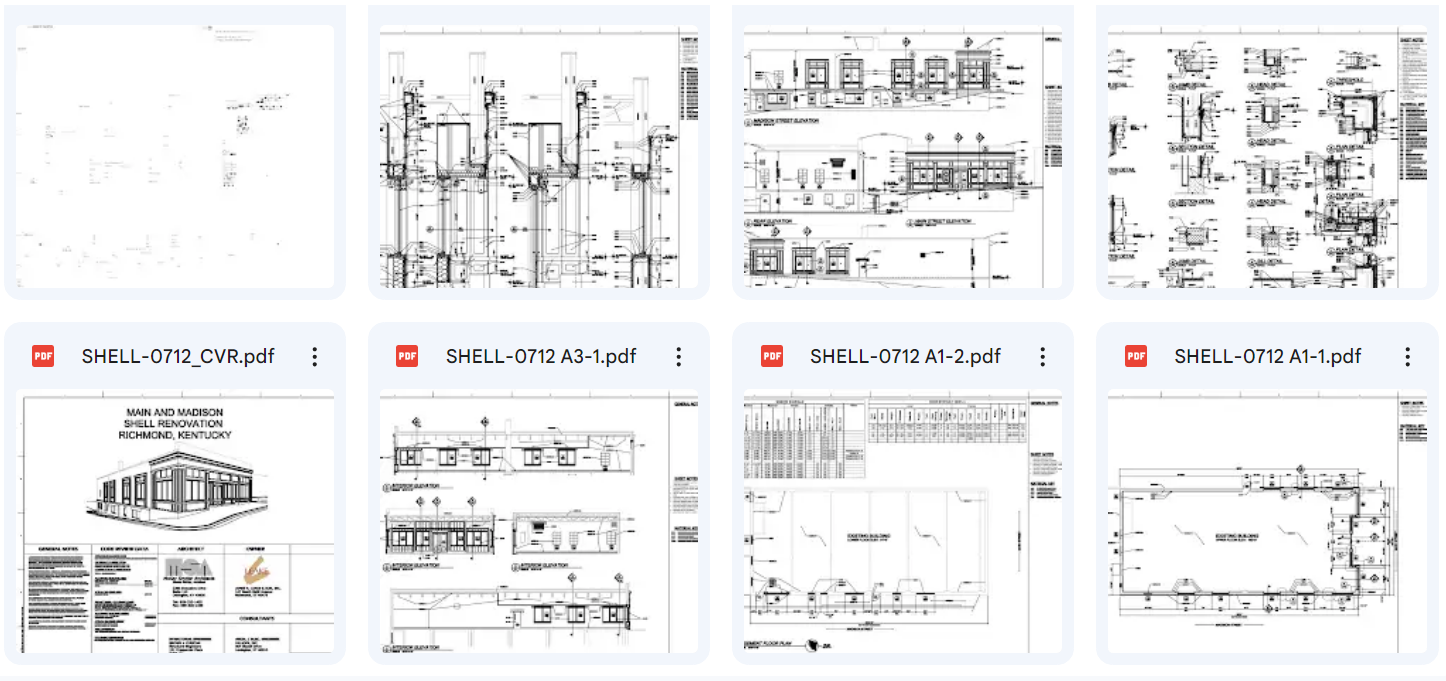
https://drive.google.com/drive/folders/1BZckPOyYCyGFgoVIDUEO69_zEjBqVxdI?usp=sharing McKay Snyder Architects, Jim McKay, Architect
Click the link above to view full size PDFs of each sheet.
Interior Renovation work, drawings:
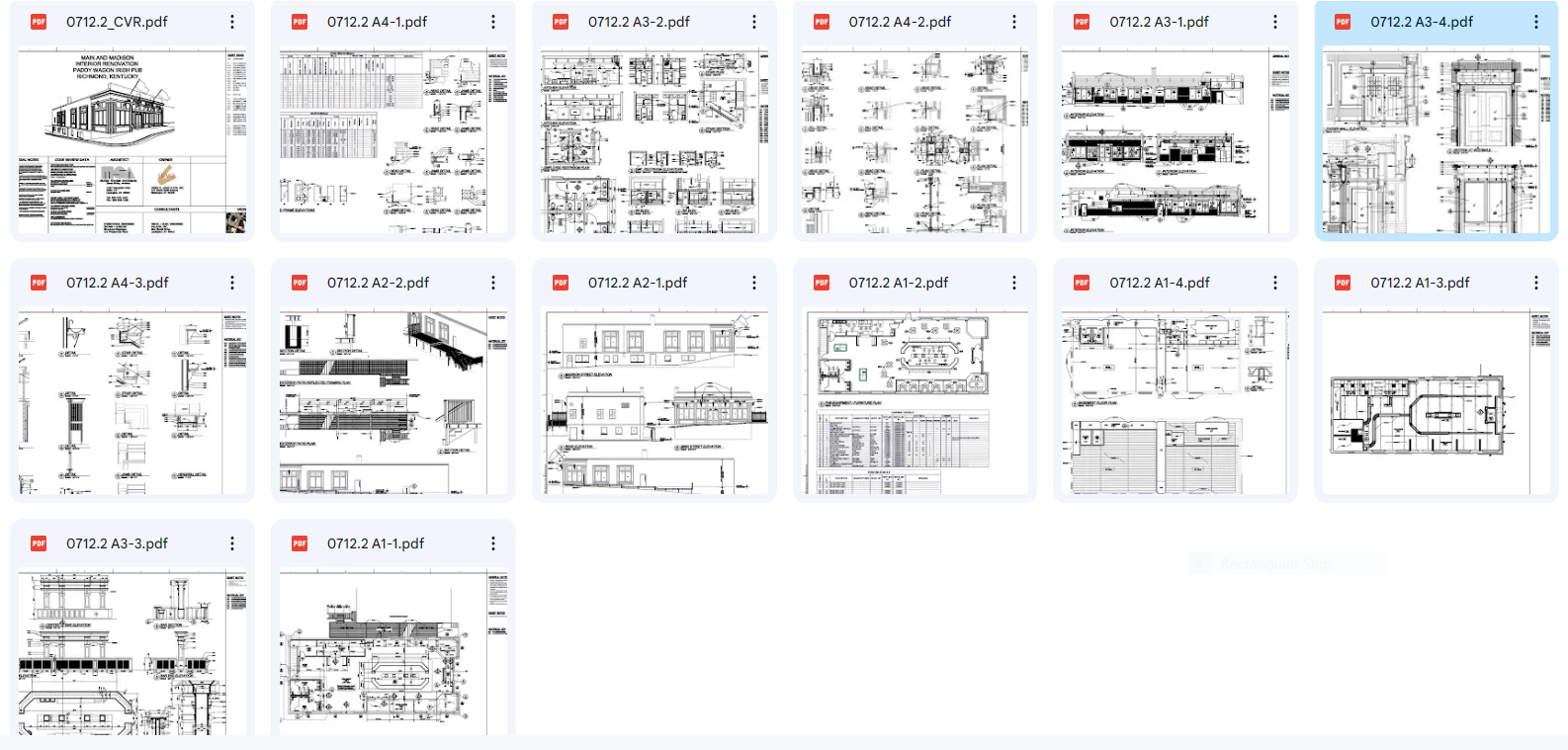
https://drive.google.com/drive/folders/1564qx1FAvD5mCFucBGtB5O_0IKQ5LJCw?usp=sharing McKay Snyder Architects, Jim McKay, Architect
Click the link above to view full size PDFs of each sheet.
I was doing that kind of modeling since 1998. Here is a collection of projects I worked on from 2004-2008, modeling, rendering, and automating drawing.
V1.0 drawing-model fusion is drawing fusion within mental models. That’s what we’ve always had. For thousands of years, we’ve done the mental work of imagining where a drawing is, in-situ within the mental model. And we look at the drawing there. We orbit around it a bit, seeing it spatially in our mind’s eye. That’s fusion V1.0
Since early 2012, V2.0 assisted that fusion by doing the same thing in the digital model. What we imagined mentally, we can now see, digitally. V2.0 automatically displayed CAD drawings (and hand drawn drawings) at true orientation within digital models, within BIMs, point clouds, and hybrids of these. The V2.0 automated drawing-model fusion was referred to commercially as “hypermodel” by Bentley Systems in marketing their software products, including the 2D and 3D CAD application, MicroStation:
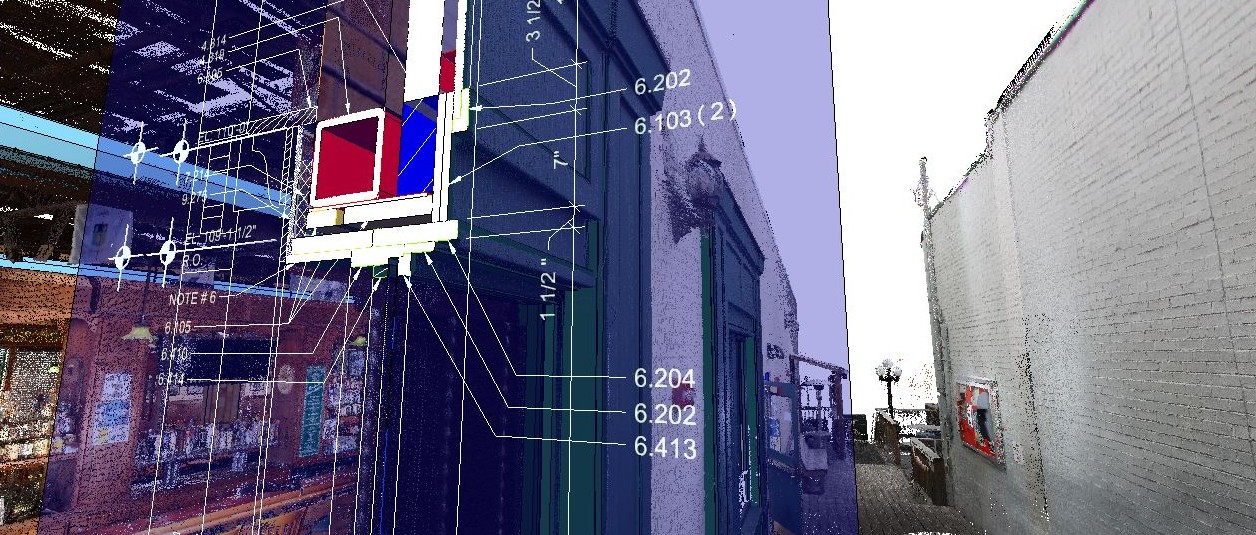
Below are some examples from back then, of V2.0 drawing-model fusion in the MicroStation CAD application since May 2012. There is also a longer playlist on my YouTube channel with more examples. The fusion was done automatically by the software with no user effort. As long as the normal drawing automation procedure was used to generate and iterate the drawings, their graphics would appear at the same time in drawing views, on drawing sheets, and in the model as shown here:
There is a longer playlist on my YouTube channel with more examples.
V3.0 OPEN V.C.S. Equipment for Visual Close Study in Models (2024)
Years later I worked on envisioning, specifying, mocking up, and thinking through some more, further evolution of drawing-model fusion. V3.0, which I refer to for now as ‘TGN’ (for Tangerine, for no reason in particular) is a generalized evolution of equipment for visual close study (VCS) in models. It is proposed and specified, and open source development is underway in 2024.
Tangerine will collaborate with all software companies interested in building the future of digital modeling with VCS equipment built in. Please contact Rob Snyder on LinkedIn at https://www.linkedin.com/in/robsnyder3333/ if you’d like to talk about TGN development implemented in your favorite modeling app or platform.
V2.0 Fusion (2012) originality:
The following patents were granted for the fusion mechanism shown above. In my opinion these patents have no bearing on the new V3.0 open source development.
TGN obviates the old patents because TGN is a completely different mechanism and a completely different form.
INTEGRATED ASSEMBLAGE OF 3D BUILDING MODELS AND 2D CONSTRUCTION DRAWINGS
Patent date
Issued Nov 3, 2015
Patent issuer and number
us 9177085
Multi-dimensional artifact assemblage for infrastructure and other assets with interface node mediators
Patent date
Issued Jul 5, 2016
Patent issuer and number
us 9384308
Hypermodel-Based Panorama Augmentation
Patent date
Issued Oct 4, 2016
Patent issuer and number
us 9460561
Patent description: Integrated Assemblage of 2D Drawings and Panoramic Images

 OPEN VCS, a lens for looking at models